

Whistle Camera
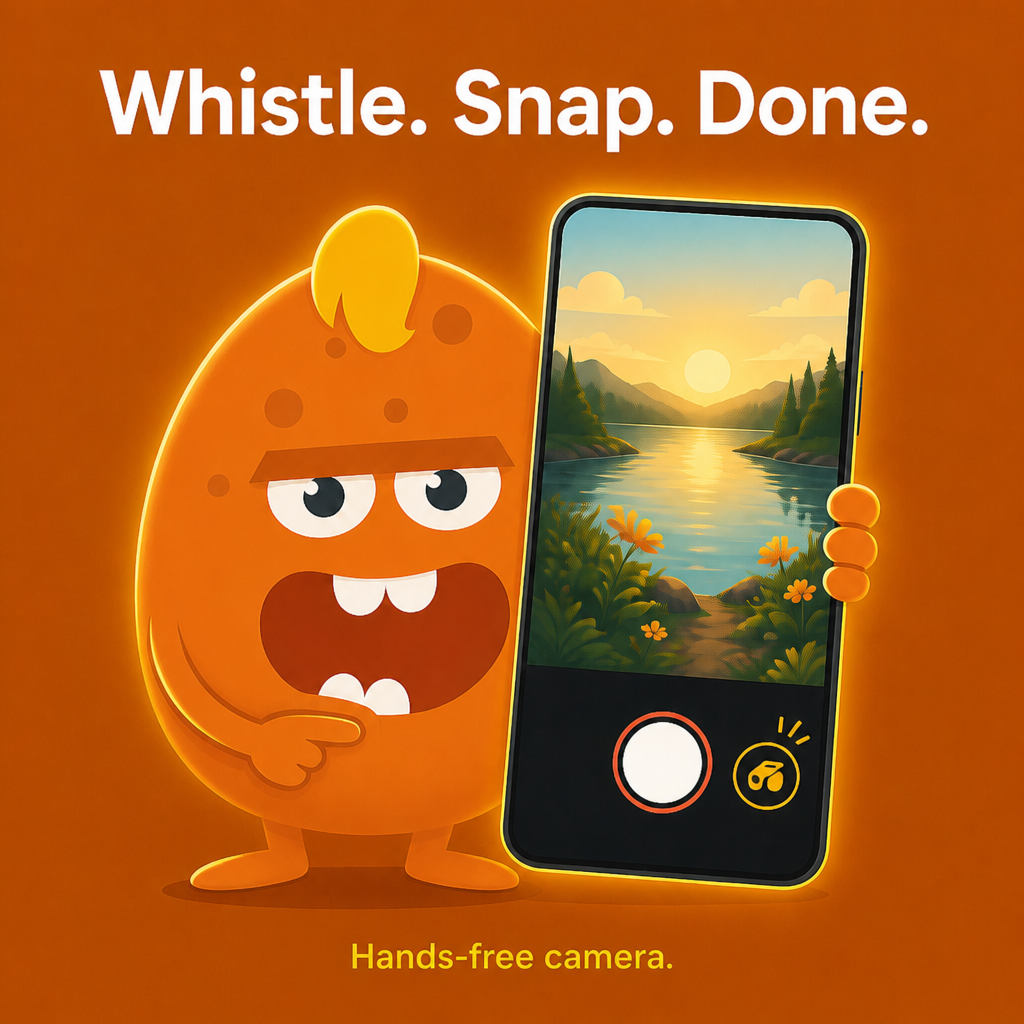
Just whistle — your phone takes the photo.
Hands-free capture for selfies, pets, and moments when your hands are full. Real-time whistle detection, Practice mode calibration, in-app gallery, countdown timer, and Pro video start/stop.
Free download · 40+ languages · iOS & Android
Why Whistle Camera?
Whistle to capture
The app listens in real time. When it hears your whistle in the band you set, it fires the shutter — no tapping, no remote.
- • Real-time on-device detection
- • Photo capture on whistle
- • Video start/stop on whistle (Pro)
- • Green ring when your whistle is heard
Tuned to your whistle
Practice mode teaches the app your exact whistle. Adjust sensitivity (1–5) and the 0–100 frequency band for quiet rooms or noisy parks.
- • Practice whistle in Settings
- • Sensitivity presets (Quiet → Loud)
- • Live debug overlay
- • 0–100 frequency band in Settings
Photo & video
Whistle for a still, or switch to video and whistle-start / whistle-stop recording. Countdown 0, 3, 5, or 10 seconds works with both.
- • Front and rear camera
- • Flash / torch
- • Pinch or slider zoom
- • Incognito mode for discreet capture
Gallery & sharing
Browse captures in the built-in gallery. Full-screen preview, multi-select share or delete, optional save to a Photos album.
- • In-app media grid
- • Pinch-zoom preview
- • Bulk share and delete
- • Optional “Whistle Camera” album
Widgets & Siri
Launch photo or video capture from Home Screen widgets. Siri shortcuts and Apple Watch remote shutter when the companion is installed.
- • Home Screen widgets (iOS)
- • Siri / Shortcuts intents
- • Apple Watch shutter
- • Lock Screen & Control Center (iOS)
Screenshots
Real app screens — whistle detection, capture, calibration, gallery, video, and timer.
Hands-free whistle
Detection ring shows when your whistle is heard — then the shutter fires.
Photo capture
Front or rear camera with flash, zoom, and manual shutter when you want both options.
Calibrate your whistle
Practice mode, sensitivity, and 0–100 frequency band — tuned to you, not a generic preset.
Whistle to your dog — they'll look at the camera
How do you get your dog to look at the camera? Just whistle. Whistle Camera hears you and snaps the shot in the same moment.
Video mode (Pro)
Whistle to start and stop recording — hands-free video workflow.
Timer controls
3, 5, or 10 second countdown — works with whistle or manual capture.
How it works
Set up
Point the camera. Enable whistle detection. Calibrate in Settings if needed.
Whistle
One short, clear whistle. The ring turns green when detected.
Captured
Photo or video is taken — your hands never touched the phone.
Perfect for
Real scenarios where your hands are busy or the phone is out of reach.
Pet owners
Whistle for eye contact — the app captures in the same moment. Sharp front-facing pet shots without a helper.
Selfies & groups
Prop the phone, whistle from where you stand. No running to a 10-second timer.
Hands-busy moments
Cooking, crafts, biking — whistle when the shot is ready. No accessory remote.
Outdoor & sports
Tripod or ledge setup. Walk to your subject, whistle, capture — great for landscapes and action.
User manual
Camera controls, settings, gallery, and extensions.
1. Camera screen
- Shutter / record — manual capture anytime.
- Whistle detector — enable hands-free trigger.
- Timer — delay after trigger (0/3/5/10 s).
- Flash, flip camera, zoom slider, gallery, settings.
2. Whistle settings
- Sensitivity 1 (easiest) to 5 (strictest).
- Frequency band 0–100 in the UI.
- Practice whistle — listen, whistle, tap Set to calibrate.
- Presets: Quiet, Default, Outside, Loud.
3. Gallery
- Tap a thumbnail for full-screen preview.
- Select mode for bulk share or delete.
- Optional save to Photos album “Whistle Camera”.
4. Pro & extensions
- Pro: whistle video start/stop, premium modes, no ads.
- Widgets — quick launch photo or video.
- Siri / Shortcuts and Apple Watch remote shutter.
- Restore purchases from Settings after reinstall.
Tips & tricks
Get reliable detection and better shots.
Selfies without shake
Front camera + whistle — no jostling the phone tapping the shutter.
Pet photos
Calibrate in Settings first, then whistle for eye contact and capture in one motion.
Group shots
Set a 3 s timer, whistle — everyone settles before the shot fires.
Noisy environments
Lower sensitivity to level 1 and widen the frequency band; enable the debug overlay to see peaks.
Tripod distance
Place the phone, walk into frame, whistle — great for landscapes and sports.
Widgets
Add photo/video widgets for one-tap launch from the Home Screen.
Timer fallback
Countdown works with or without whistle — use either trigger.
Restore Pro
Reinstalled? Settings → restore purchases with the same store account.
Whistle Camera Pro
One-time upgrade: whistle video start/stop, premium capture modes, ad-free gallery experience.
- •Whistle to start and stop video recording
- •Premium capture modes
- •No ads in gallery
- •Restore purchases anytime in Settings
Frequently asked questions
Detection, privacy, storage, Pro, and troubleshooting.
What is Whistle Camera?+
Whistle Camera is a hands-free camera app for iOS and Android. Whistle to take a photo or (with Pro) start and stop video. Package on Android: com.zuki.apps.whistlecamera. iOS App Store ID: 1037716421.
It doesn’t detect my whistle well. What can I do?+
Lower sensitivity (try level 1), widen the 0–100 frequency band in Settings, enable the live debug overlay, and use Practice whistle to calibrate from your session peaks.
Do I need internet?+
Core whistle capture works offline. Ads, analytics, and purchase checks may need a network connection.
Why does the app need the microphone?+
The app listens for your whistle to trigger the camera. Audio is processed on-device for detection — it is not stored as recordings.
Where are photos stored?+
In the in-app gallery by default. You can optionally copy captures to a Photos album named Whistle Camera in Settings.
What is Pro?+
Pro unlocks whistle start/stop video, extra premium modes, and removes ads. One-time purchase; restore from Settings after reinstall.
Can I use a timer instead of whistling?+
Yes — countdown timer (3, 5, or 10 seconds) works with or without whistle detection enabled.
Is Whistle Camera on Android?+
Yes — https://play.google.com/store/apps/details?id=com.zuki.apps.whistlecamera
How do I get support?+
Email [email protected] or visit https://zukiapps.com/whistle-camera/support. Privacy: https://zukiapps.com/whistle-camera/privacy
How do I take hands-free selfies?+
Prop or hold your phone, enable whistle detection, and whistle when you are in frame. Whistle Camera fires the shutter instantly — no running to a timer. Use Practice mode in Settings to calibrate first.
Does Whistle Camera work for pet and dog photos?+
Yes. Many pet owners whistle to get eye contact, then Whistle Camera captures in the same moment. Calibrate with Practice whistle in Settings for reliable detection.
Is Whistle Camera free?+
Yes — free download on iOS and Android. Optional Whistle Camera Pro (one-time purchase) adds whistle video start/stop, premium modes, and removes ads. Restore purchases anytime in Settings.
Has Whistle Camera been covered in the press?+
Yes. In May 2014 The Next Web and Android Authority published hands-on reviews of the original Android Whistle Camera from DreamBit Apps. Geektime covered it in Hebrew. Those articles describe the 2014 app, not the current Zuki Apps build. Product page: https://zukiapps.com/whistle-camera
40+ languages
In-app language picker including English, Hebrew (RTL), Arabic (RTL), and 37+ more locales.
Download Whistle Camera
Free download with optional Pro upgrade. Whistle. Snap. Done.


More from Zuki Apps
Explore other free iOS & Android apps from the same developer.


